How to Find Your Kiosk QR Code
Open your Black Dog account, find your kiosk pass, and scan it at the paystation.
All the steps
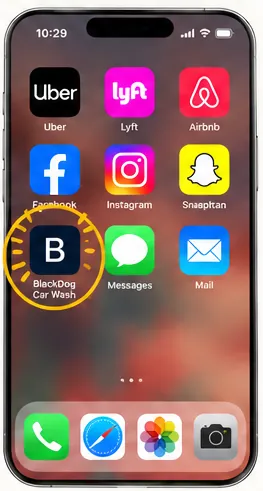
- Open Black DogTap the Black Dog icon on your phone’s Home Screen.
- Tap Sign InOn the Black Dog welcome page, tap Sign in at the top.
- Sign In to Your AccountEnter your email, phone number, or account number and password, then tap Sign In.
- Find Your Kiosk PassYour Kiosk pass appears on the Home screen. The QR code is your quick way to identify your account at the paystation.
- Scan at the KioskHold your phone’s Kiosk pass QR code in front of the scanner on the lower-right side of the paystation. No need to touch the kiosk screen! Then select your available washes.
Screens are examples. Personal details are fictional, and the example QR code is not a customer kiosk pass. Questions? info@blackdogcarwash.com
Still need a hand?
Our team is happy to help you get back to a clean car.