How to Redeem a Wash Bundle at the Pay Station
Scan your QR code for the fastest experience, or use the kiosk touchscreen.
All the steps
- Scan Your QR — No Touch NeededHave your bundle QR code ready? Hold it up to the scanner on the lower-right side of the kiosk. Your account opens automatically. Or choose the touchscreen route below.
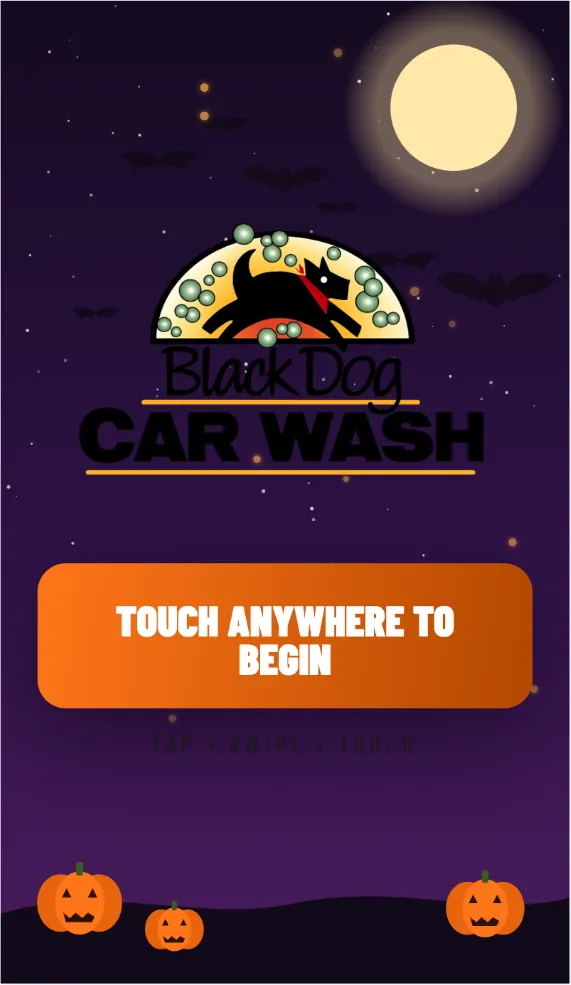
- Touch to BeginIf you are not scanning a QR code, tap anywhere on the screen to begin.
- Select Wash BundleOn the welcome screen, tap Wash Bundle.
- Redeem My BundleChoose Redeem My Bundle rather than buying a new bundle.
- Find Your BundleScan your bundle QR code at the kiosk scanner, or choose Phone or Account #, enter your details, and press Continue.
- Open Your AccountOnce your account appears, check your available washes and tap Use My Washes.
- Select Your BundleChoose the bundle you want to redeem, then tap Select. One wash will be used from your balance.
- Please Wait for Your TurnIf another vehicle is being washed, remain stopped. Wait until the kiosk tells you to pull in. Do not enter the wash bay yet.
- Your Wash Is ReadyThe kiosk has confirmed your wash is ready. Pull into the wash bay only when directed to enter.
Demonstration only. The example account name, customer ID and balance are fictional. Questions? info@blackdogcarwash.com
Still need a hand?
Our team is happy to help you get back to a clean car.