How to Send a Wash Gift in the App
Send a Black Dog wash gift to someone special.
All the steps
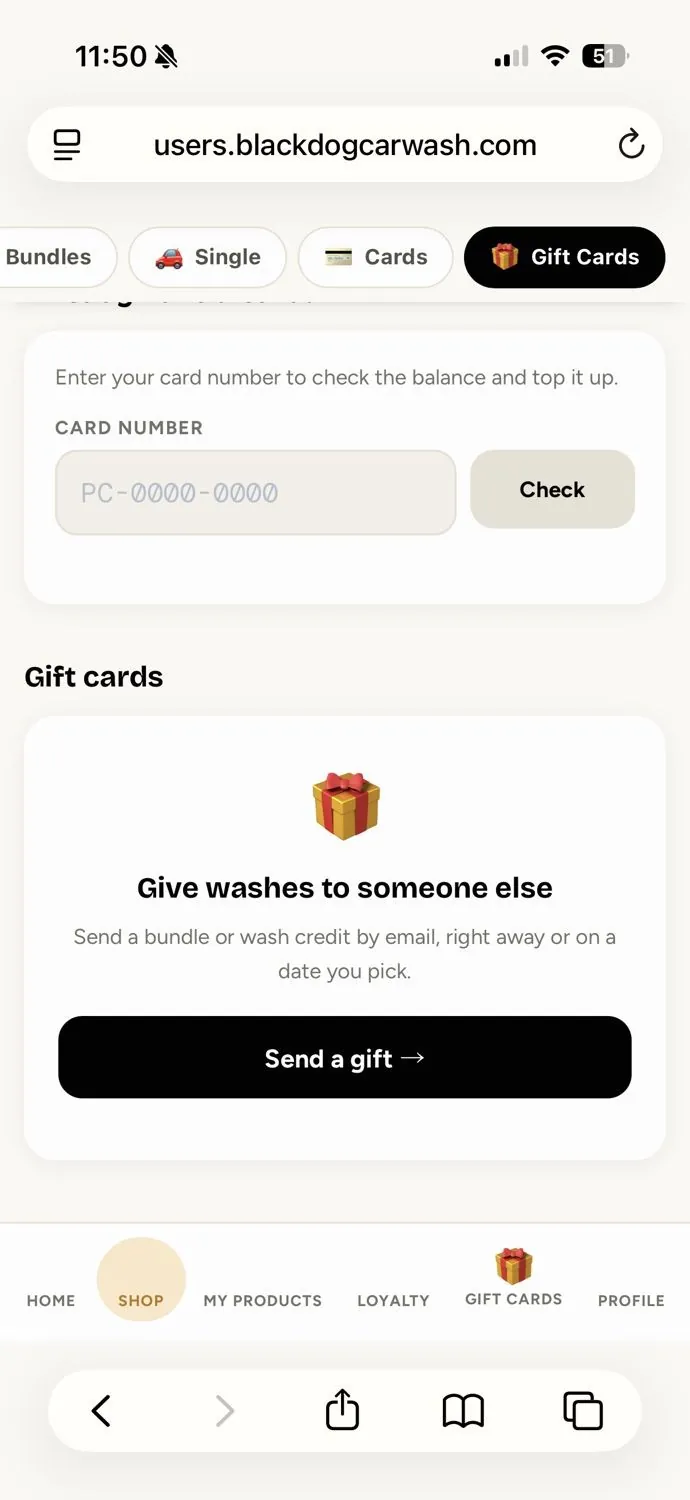
- Open Gift CardsFrom the Black Dog app, tap Gift Cards in the bottom navigation. Find Give washes to someone else.
- Start a New GiftTap Send a gift → to begin. You can send a wash bundle or wash credit by email.
- Choose a GiftSelect the gift you want to send. In this example, the selected gift is a 3 Simple Bundle ($39.95).
- Enter Recipient DetailsEnter their name and email. You can also include a mobile number and a personal message.
- Add Your InformationUnder From, check your name and email. Your receipt will be sent to the email shown.
- Choose When to SendChoose Right now or Pick a date, then tap Continue →. We’ll add the shared payment and confirmation screens once available.
The secure payment and purchase confirmation screens will be added when available. Questions? info@blackdogcarwash.com
Still need a hand?
Our team is happy to help you get back to a clean car.