How to Buy a Single Wash in the App
Choose a single wash and continue to checkout.
All the steps
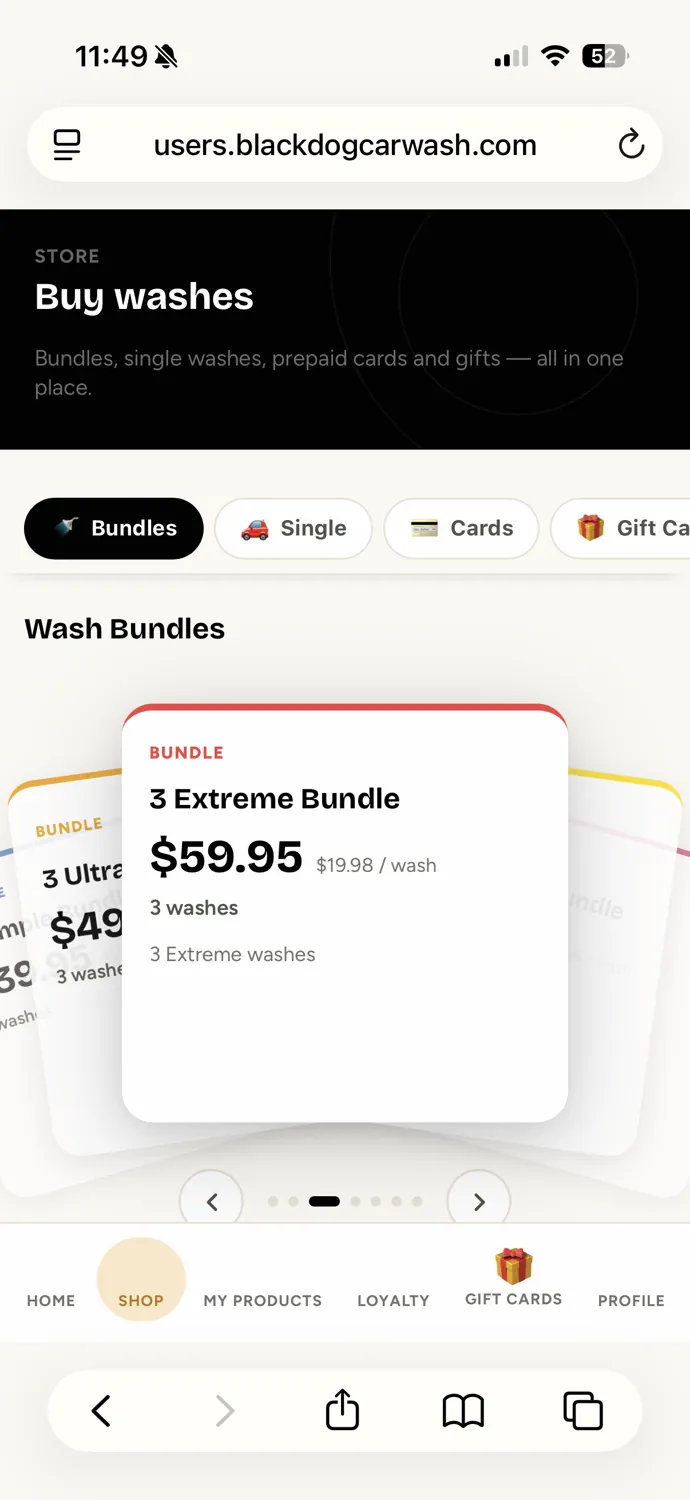
- Open the ShopIn the Black Dog app, tap Shop in the bottom navigation.
- Select Single WashesTap Single at the top of the Shop to see individual wash options.
- Review Your WashAfter tapping Buy, review your selected wash and total. This example shows the Ultra Wash ($18).
- Continue to PaymentConfirm your email, enter a promo code if you have one, and tap Pay $18.00 to continue. The actual secure payment and confirmation screens will be added when available.
The secure payment and purchase confirmation screens will be added when available. Questions? info@blackdogcarwash.com
Still need a hand?
Our team is happy to help you get back to a clean car.