How to Activate Your Account
Registration is optional. Register to shop online, see your history, send gift cards, and scan your kiosk pass.
All the steps
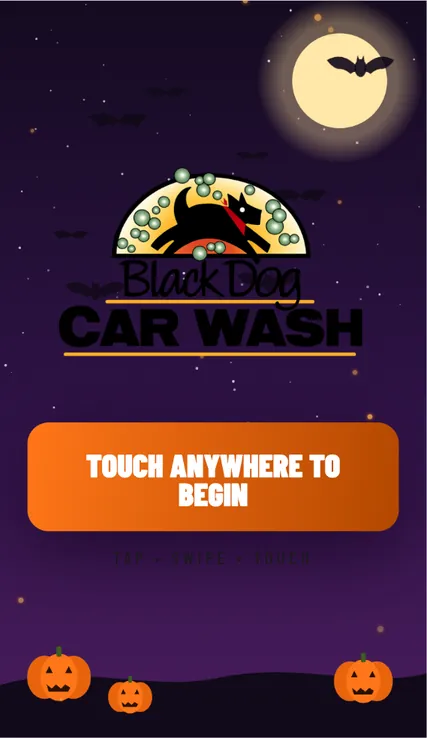
- Start at the pay stationTap TOUCH ANYWHERE TO BEGIN.
- Choose My AccountSelect MY ACCOUNT from the main menu.
- Find your accountChoose ACCOUNT #, enter your member number, and tap FIND MY ACCOUNT.
- Find your activation detailsOn YOUR ACCOUNT, locate GET THE BLACK DOG APP. Registration is optional.
- Scan the activation QR codeOpen your phone camera and point it at the activation QR code on the kiosk. Tap the link that appears to open the Black Dog web app.
- Open the activation formThe Black Dog web app opens with your account number and activation code. Choose a password that meets the listed requirements.
- Activate your accountAdd your email and mobile number if you wish, then tap Activate account. Both contact fields are optional.
- Your kiosk pass is readyAfter activation, the web app shows your personal kiosk pass. On future visits, show this QR code at the kiosk scanner.
Screens use demonstration account details and QR codes that contain demonstration-only text. Activation links are valid for 48 hours. Prefer email activation? Send your wash code to info@blackdogcarwash.com
Still need a hand?
Our team is happy to help you get back to a clean car.