How to Buy Washes Online as a Guest (No Account Needed)
Follow a quick walkthrough for bundles, single washes, prepaid cards or gifts.
All the steps
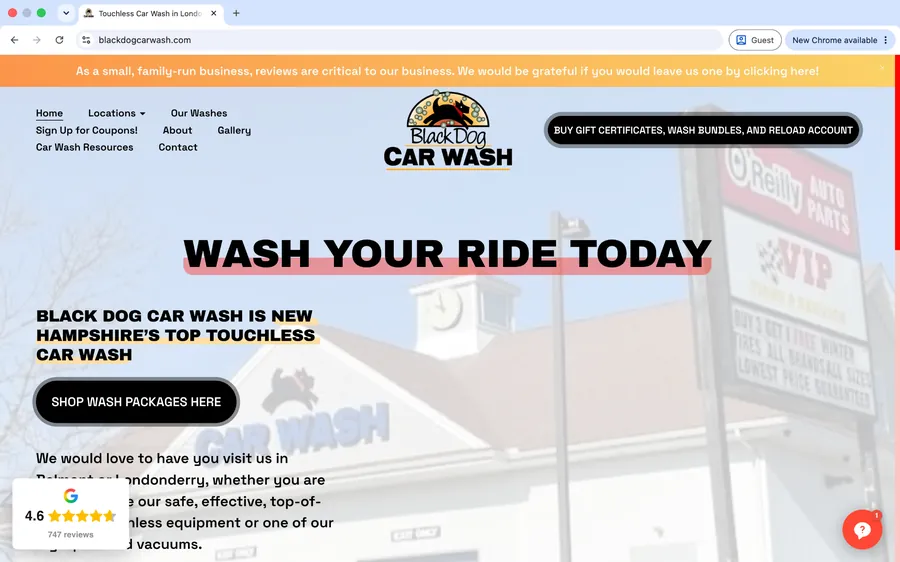
- Start at Black Dog Car WashVisit blackdogcarwash.com and select Buy Washes to open the online store.
- Welcome to the guest storeNo account needed. Choose what you want to buy; you can shop as a guest.
- Choose your purchaseSelect one of the four options below to see only the steps that apply to you.
Wash bundles
- Select a wash bundleScroll to the wash bundles and choose your preferred wash level and quantity. Click “Buy now.”
- Enter your email and promo codeEnter the email address where you want your QR code sent. If you have a promo code, enter it here, then select Continue.
Single wash
- Choose a single washScroll to the single-wash section. Choose Belmont or Londonderry, then select Simple, Ultra, or Extreme and click Buy.
- Continue through guest checkoutEnter your email address to receive your single-use wash QR code. Continue to the secure payment step.
Prepaid card
- Choose a prepaid cardScroll to Prepaid Cards. Choose $50 (get $55 credit) or $100 (get $115 credit) and select “Buy card.”
- Review your prepaid cardCheck the total and enter your email. Choose whether to save a card, then select Pay to proceed to secure payment.
Gift
- Select Send a GiftScroll to Gift cards and click “Send a gift.”
- Personalize your giftChoose the amount and fill in recipient and sender details. Add a message if you wish. Select Continue.
Screens are illustrative of the current desktop experience. No real purchases are made in this tutorial.
Still need a hand?
Our team is happy to help you get back to a clean car.